The short answer
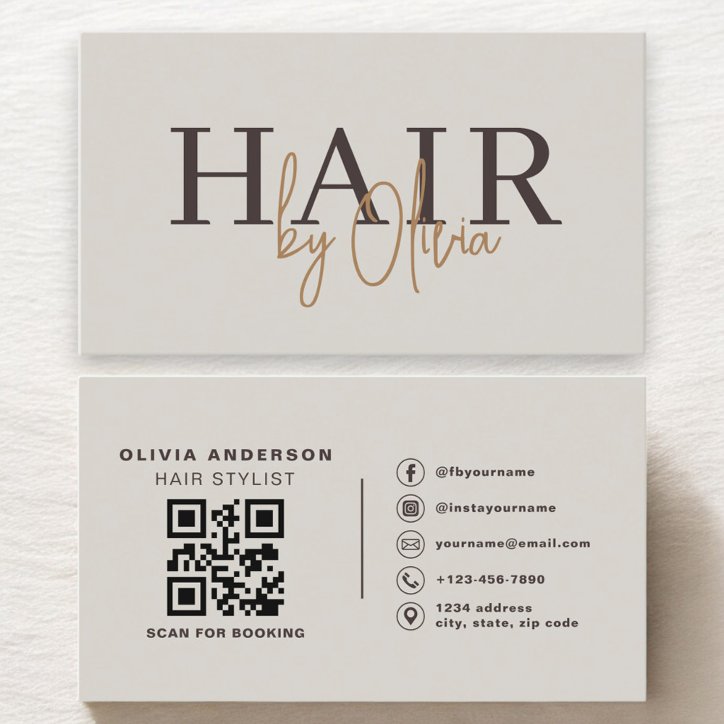
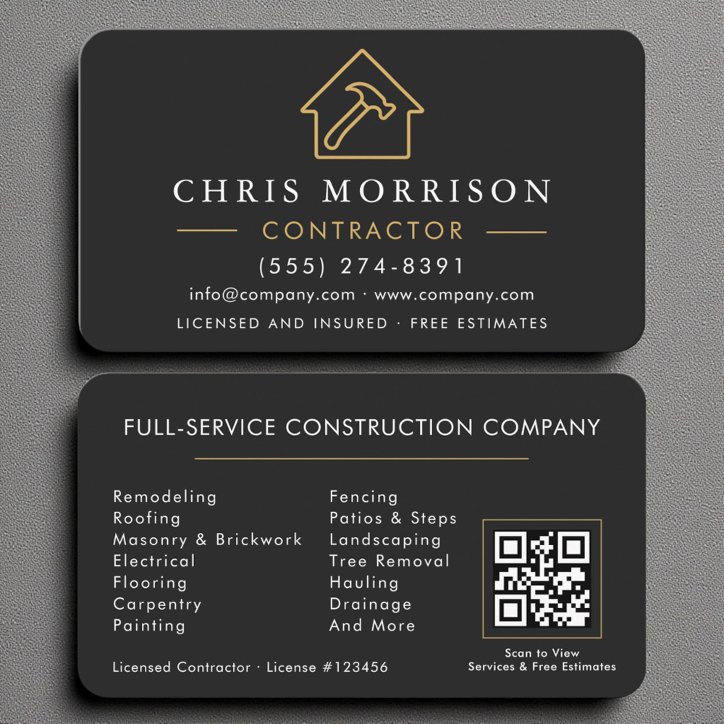
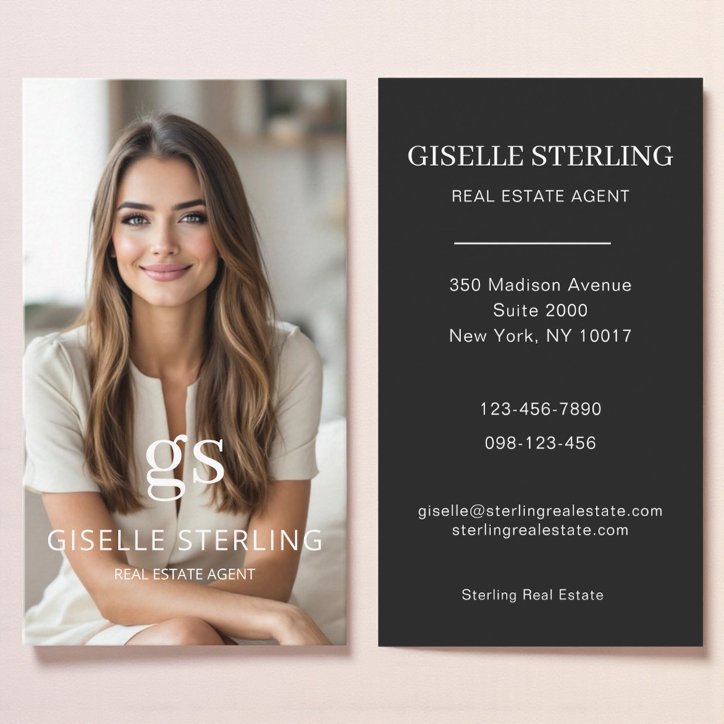
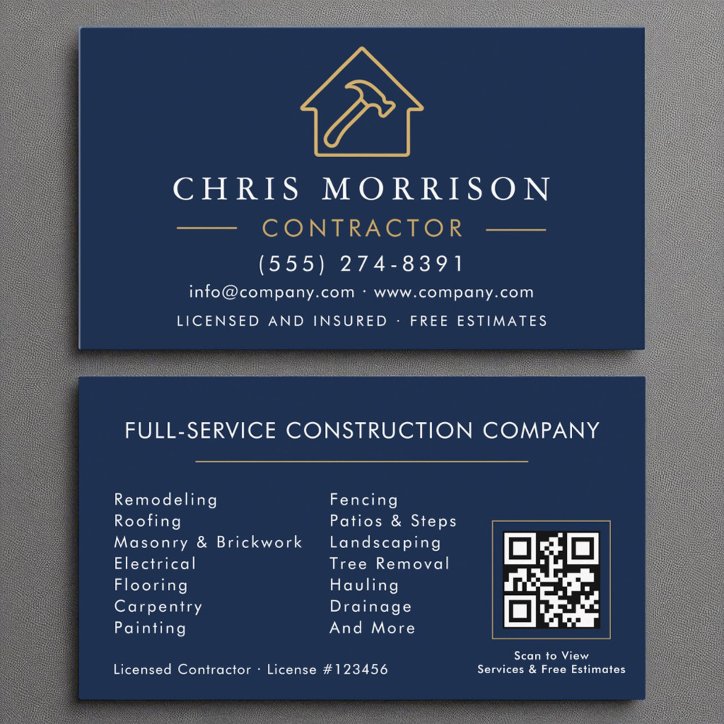
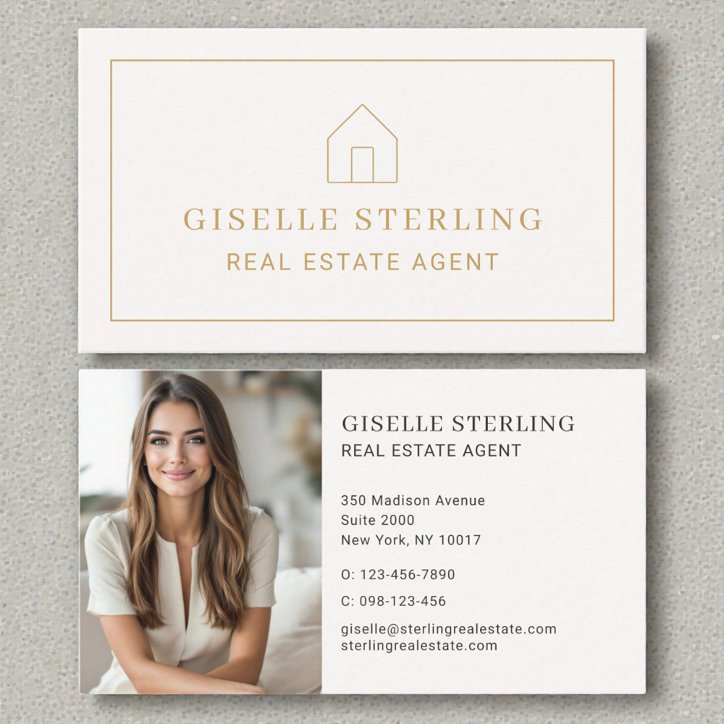
Before ordering, verify every name, title, phone number, email, URL, social handle, service area, credential, and QR destination. Review both sides, image and logo quality, text size, contrast, spacing, trim-safe placement, appointment fields, and the current product options. Read the card slowly at approximately its real printed size, then have another person check it without being told what it should say.
Proof the information character by character
Familiar information is easy to misread because the brain supplies what it expects. Compare phone numbers, email spelling, URLs, addresses, credentials, and names directly with their source.
- Names and professional titles
- Business name and service description
- Phone, email, website, and social handle
- Address or service area
- License, certification, or credential wording
Proof the design at physical scale
Zoomed-in screens can make small type and thin lines appear safer than they will feel on a printed card. Review the layout at approximate size and check all safe-area indicators in the current editor.
- Smallest text remains readable
- Contrast holds across the entire card
- No text feels crowded against edges
- Images and logos are sharp
- Front and back orientations agree
Test every action
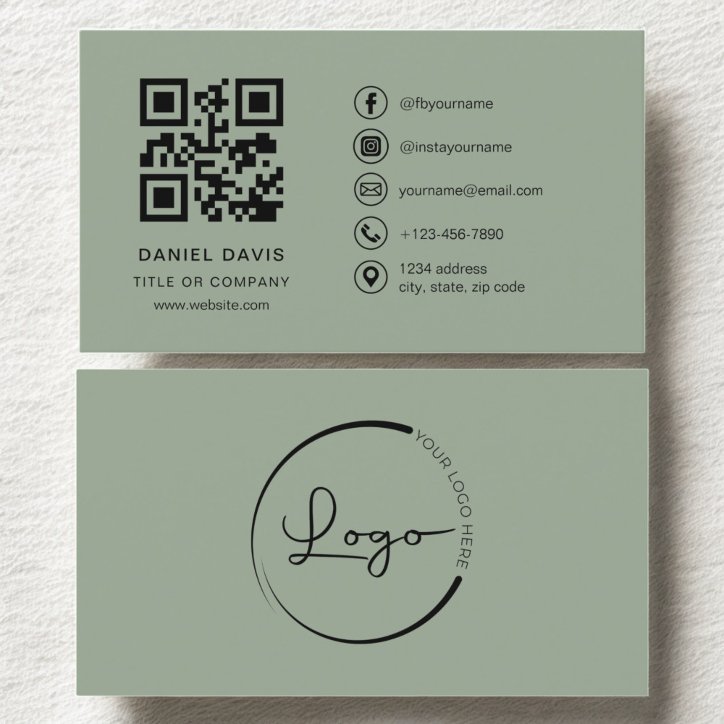
Call the phone number, open the email address and website, search the printed social handle, and scan the final QR code from more than one phone. Confirm the destination is mobile-friendly and matches the instruction printed beside the code.
- Test the final QR—not an earlier file
- Check appointment writing space
- Review paper, finish, corners, quantity, and current price
- Save or record the final approved version