All ideas and advice

Profession-Specific Business Card Ideas

What should you put on a Photographer business card?

Use this profession-specific checklist to decide what belongs on the front and back of a photographer business card without creating clutter.

The short answer

Include your name or studio, photography specialty, booking contact, website, social handle, and portfolio QR code.

Put the recognition details first

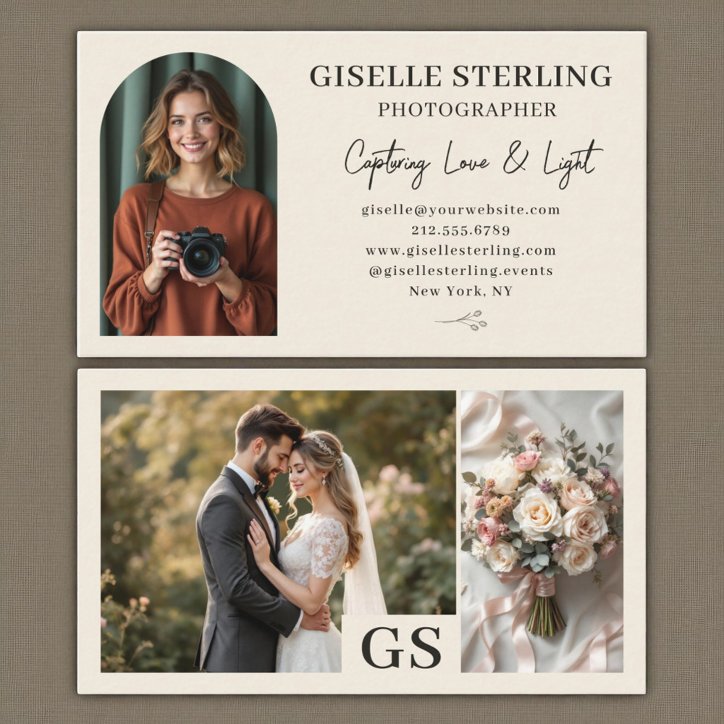
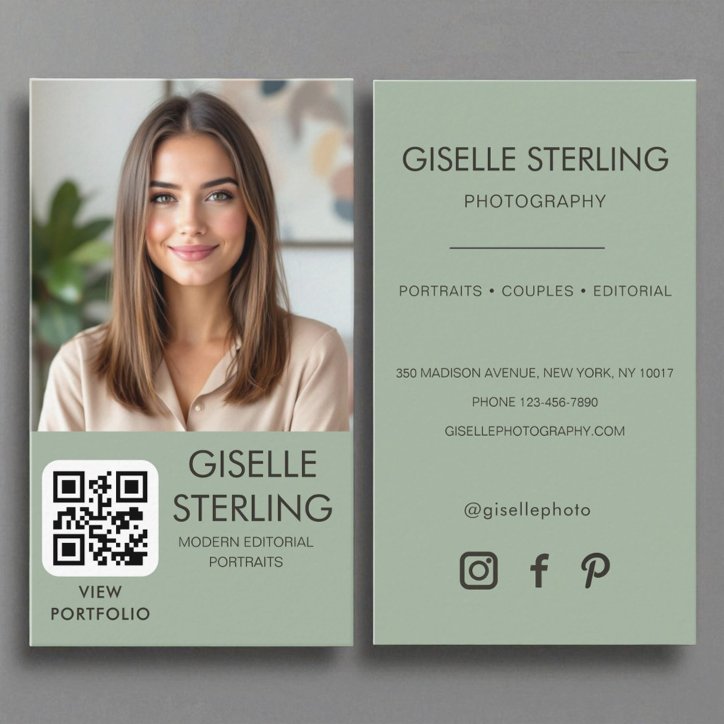
Choose one strong image or a clean logo-led design and use a QR code to remove friction between seeing the card and viewing your work.

A customer should be able to identify the photographer specialty and the preferred contact method in a quick glance. Company identity and role belong above secondary details.

  • Name or company
  • Professional role or specialty
  • Primary contact path
  • Location or service area when useful

Add services and trust details selectively

A short service list can help when photographer work includes clearly different specialties. Keep only the items that influence a buying decision. Credentials, licensing, insured status, or professional designations should appear only when current, accurate, and appropriate.

Move the next layer to the back

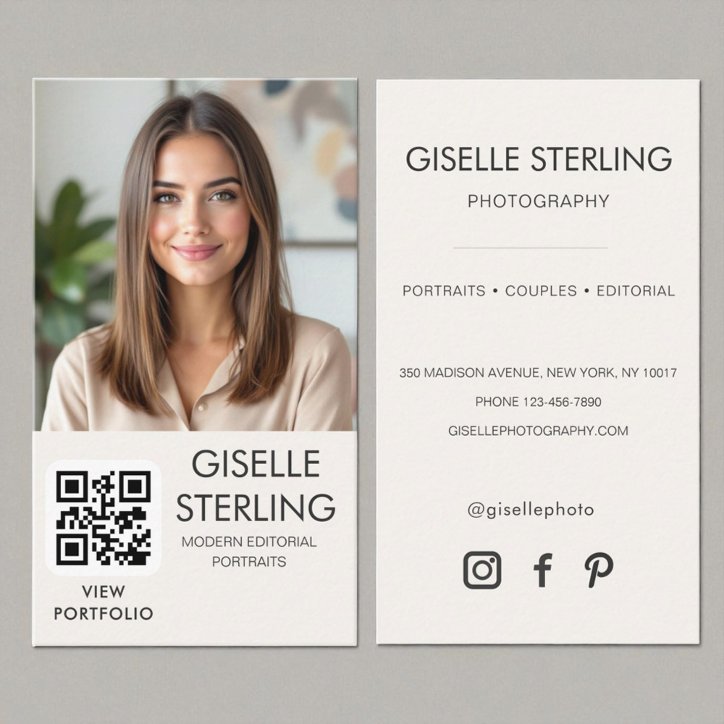
Use the reverse for a booking QR code, a short specialty list, appointment details, or a focused portfolio prompt. The front should still make sense by itself, and the back should help the customer book or inquire rather than repeat every front-side detail.
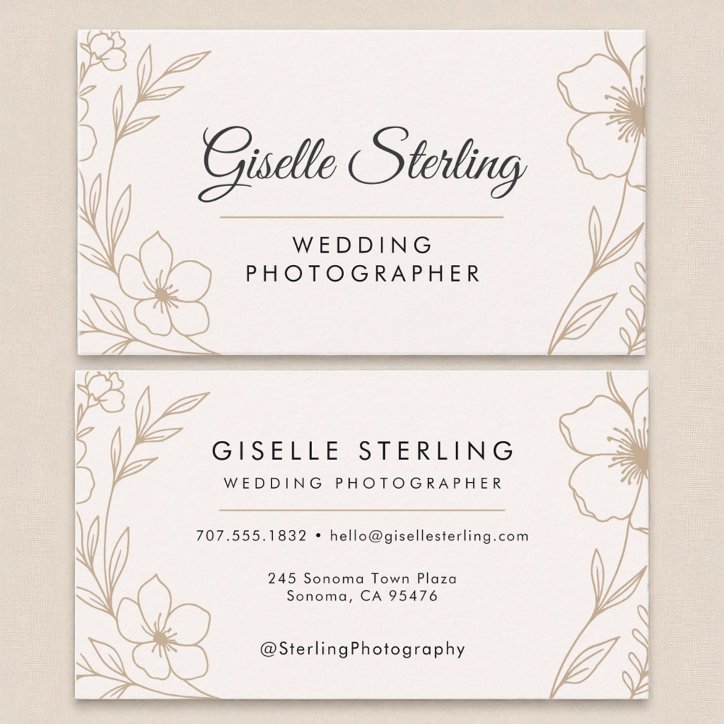
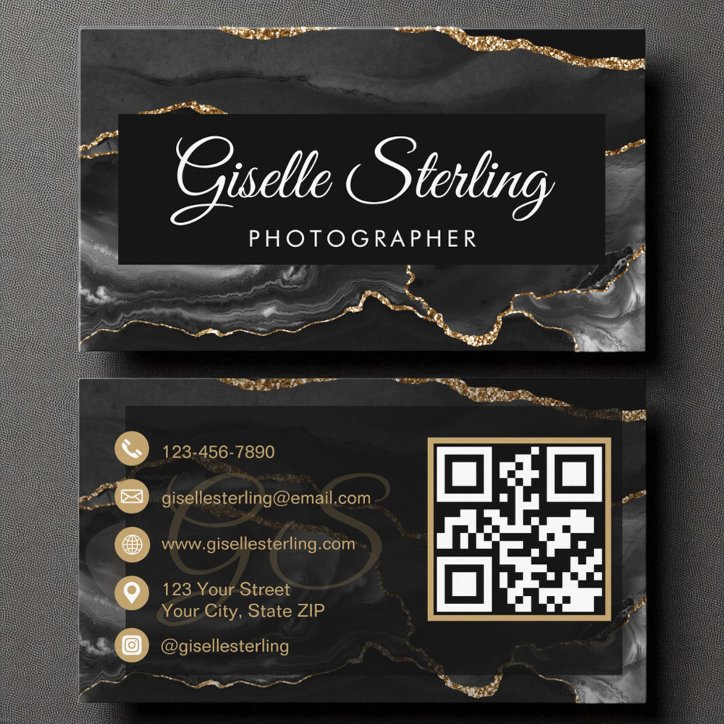
See the advice in context

Business-card examples to compare

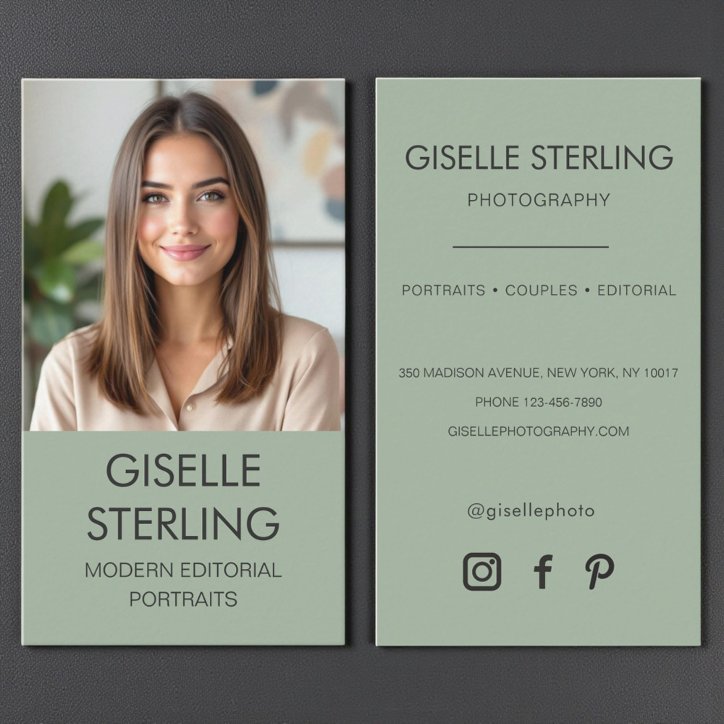
These current catalog examples are selected dynamically. Open a detail page to compare the design, then personalize on Zazzle.

Quick answers

Questions about what to put on a photographer business card

How many contact methods should appear?

Include the methods the business actually monitors. One primary phone, email, website, or booking route is more useful than several neglected channels.

Should prices appear?

Usually not when services vary or pricing changes. A current service menu, estimate route, or consultation page is easier to maintain.

Can the card include a service area?

Yes. A service area is useful when geography affects whether a customer can hire the business.

Related Advice

Continue this decision with a focused guide

Profession-Specific Business Card IdeasPhotographer business card guide: what to include and how to design itBusiness Card EssentialsWhat should you put on a business card?QR Code Business CardsShould you put a QR code on a business card?Profession-Specific Business Card IdeasShould Photographer business cards have a QR code?Profession-Specific Business Card IdeasWhat should go on the back of a Photographer business card?

From advice to the right design

Shop the profession and useful styles

Use these focused collections to compare current Pretty Girly Designs cards that match the decisions in this article.

Shop This ProfessionPhotographer Business CardsCompare current designs and profession-specific features.Explore Related StylesPhoto business cardsExplore photo business cards designed to build recognition with a professional portrait, finished project, property image, product photograph, or other brand-defining visual.Explore Related StylesQR Code business cardsBrowse customizable QR code business cards that connect a printed introduction to booking pages, portfolios, menus, reviews, social profiles, or contact information.Explore Related StylesModern business cardsExplore modern business cards with current typography, strong alignment, useful QR-code options, and flexible layouts for contemporary professionals and growing companies.Explore Related StylesLuxury business cardsShop luxury business cards with refined typography, elegant contrast, foil-inspired details, deep colors, and polished layouts for premium client experiences.Explore Related StylesMinimalist business cardsBrowse minimalist business cards that use edited information, disciplined spacing, and confident typography to create a professional first impression without visual clutter.