All ideas and advice

Business Card Essentials

What should you put on a business card?

Choose the essential information for a clear professional business card, decide what belongs on the back, and avoid unnecessary clutter.

The short answer

A useful business card should identify you, explain the business clearly, and make the next contact step obvious. Start with your name, professional role, business name, and one or two primary contact methods. Add a website, service area, accurate credential, social handle, or QR code only when it helps the recipient act. Move secondary information to the back instead of shrinking everything.

Start with the five essentials

Most cards need a clear name, role, business name, phone or email, and website. The order matters: the recipient should understand who you are and what you do before reading smaller contact details.

  • Your name
  • Professional role or service
  • Business or practice name
  • Primary phone number or email
  • Website, booking page, or another useful destination

Add information only when it earns its space

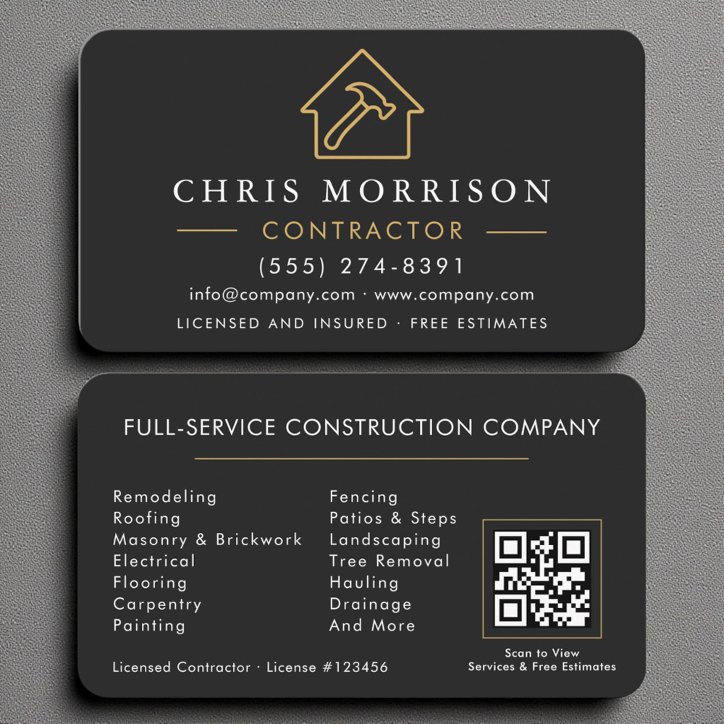
A service area can matter to a contractor, lawn service, or mobile professional. A license number, designation, or insured statement may matter in a regulated or trust-sensitive field, but it should appear only when accurate and appropriate.

A social handle is useful when the account functions as a portfolio or booking route. It is less useful when it merely repeats the website.

Use the back to preserve hierarchy

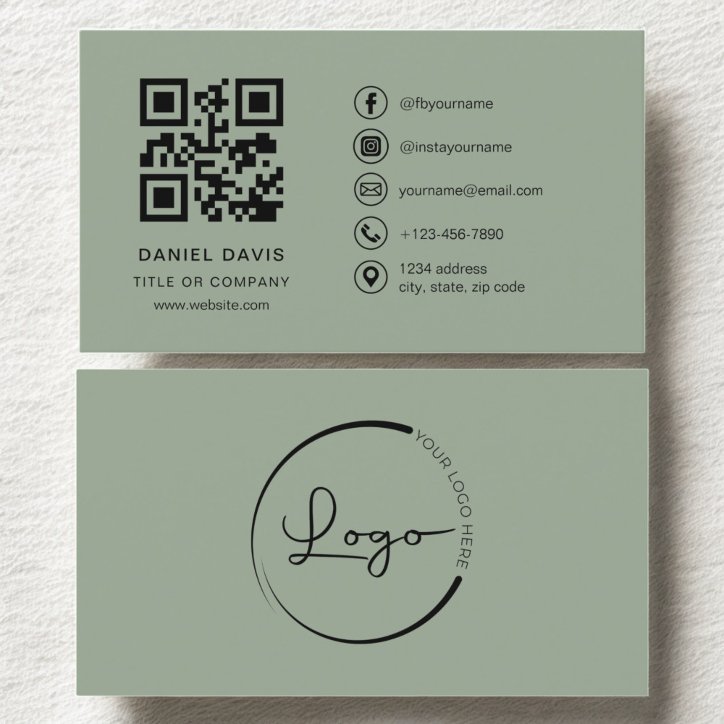
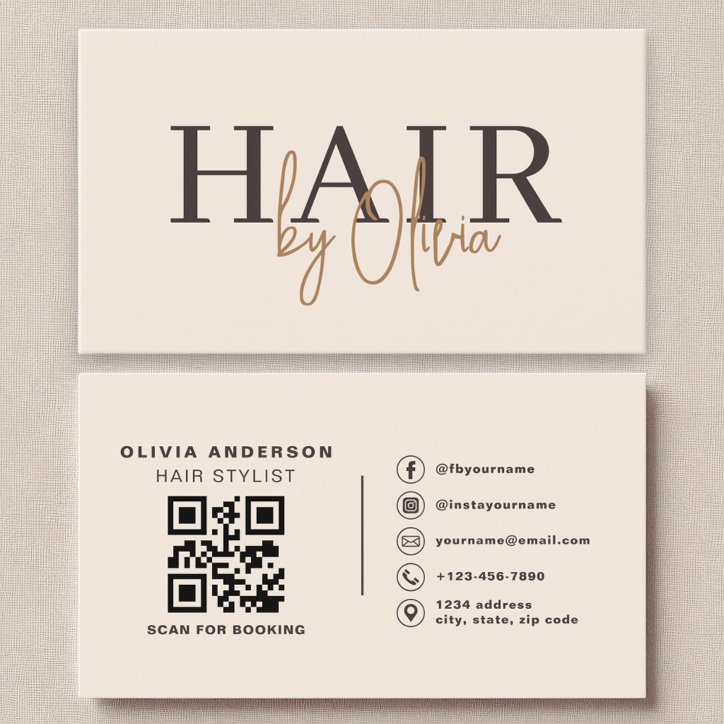
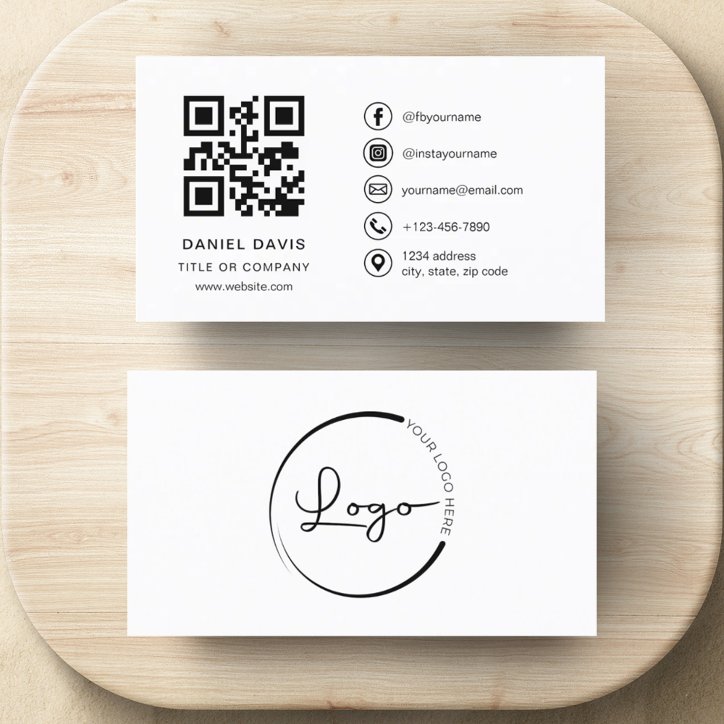
The reverse can hold a short service list, QR code, appointment area, portfolio prompt, or additional contact route. It should extend the front rather than repeat every line.

  • Keep the front recognizable at a glance
  • Put supporting detail on the back
  • Choose one primary call to action
  • Proof every contact detail before ordering
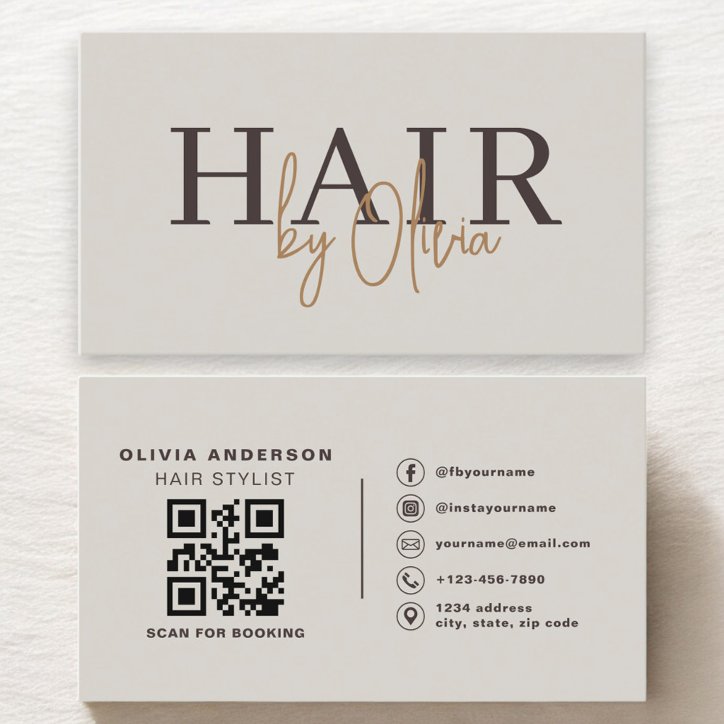
See the advice in context

Business-card examples to compare

These current catalog examples are selected dynamically. Open a detail page to compare the design, then personalize on Zazzle.

Quick answers

Questions about what to put on a business card

Should you put your address on a business card?

Include an address when customers visit the location or the location builds trust. Mobile and service-area businesses can usually use a city, region, or service area instead.

How many services should a business card list?

Two to four priority services are usually enough. Use a website or QR code for a complete list.

Should a business card include both phone and email?

Include both when customers genuinely use both. If one route is clearly preferred, make it more prominent and keep the second one supporting.

Related Advice

Continue this decision with a focused guide

Business Card EssentialsWhat should you not put on a business card?Business Card EssentialsWhat should go on the back of a business card?Ordering, Personalization and ProofingWhat should you check before ordering business cards?Business Card EssentialsShould a business card be one-sided or two-sided?Profession-Specific Business Card IdeasSmall Business & Company business card guide: what to include and how to design it

From advice to the right design

Shop the profession and useful styles

Use these focused collections to compare current Pretty Girly Designs cards that match the decisions in this article.

Explore Related StylesMinimalist business cardsBrowse minimalist business cards that use edited information, disciplined spacing, and confident typography to create a professional first impression without visual clutter.Explore Related StylesLogo business cardsFind logo business cards that give an existing brand mark room to lead while keeping names, titles, contact details, and customer actions organized.Explore Related StylesQR Code business cardsBrowse customizable QR code business cards that connect a printed introduction to booking pages, portfolios, menus, reviews, social profiles, or contact information.