The short answer
Include your name, title, consultancy or company, specialty, phone number, email, website, and professional profile when helpful. The front should establish the business and specialty quickly. Give the back one clear supporting job, and make the preferred next action—usually to make contact—easy to understand without requiring a scan.
Build the front around consultant recognition
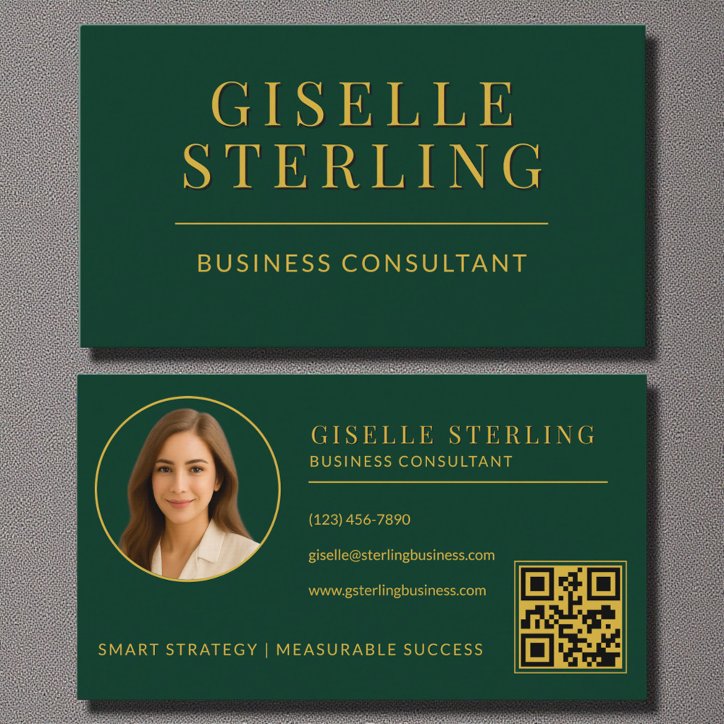
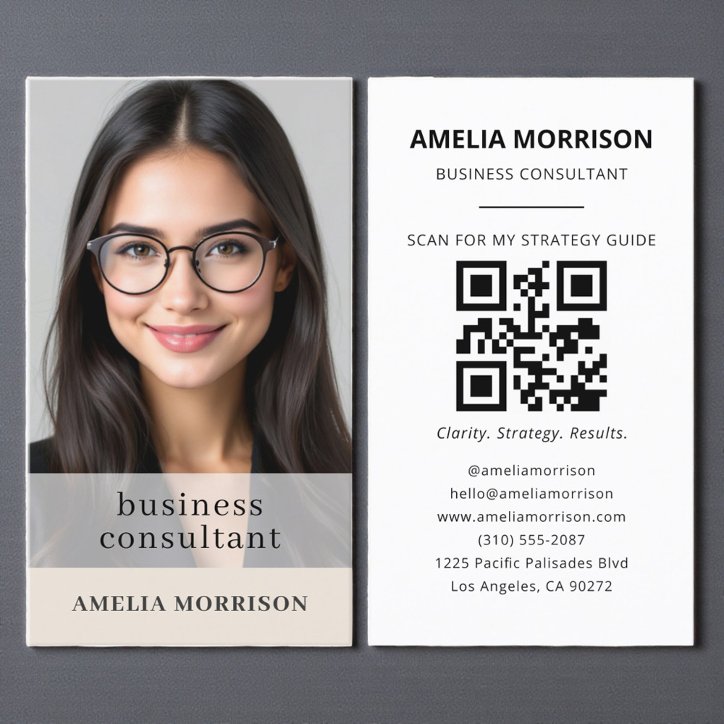
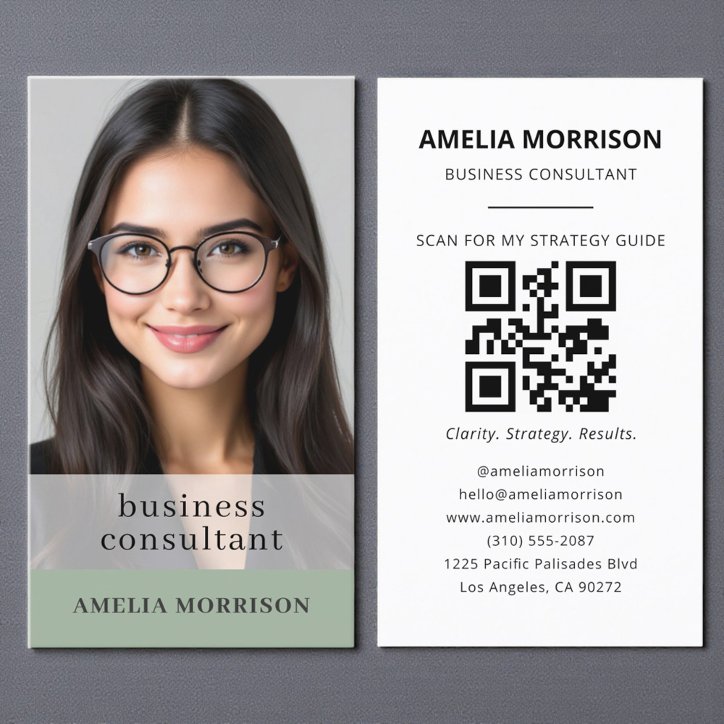
State the consulting specialty clearly and use a QR code for your website, scheduling page, or professional profile.
The first reading layer should tell a prospective customer who the card is for and what kind of work is offered. The business name, professional role, and primary contact path should remain readable at actual card size.
- Business or professional name
- Clear role or specialty
- Primary phone, email, or website
- Location or service area when relevant
- Accurate credentials or trust information where appropriate
Give the back one useful job
For a consultant, the back works best as one clear secondary job such as services, a QR destination, appointment information, or a concise brand message. It should add information or an action rather than repeat the front in a different arrangement.
Decide whether a QR code earns the space
A QR code is useful when it shortens the path to the most useful maintained contact, booking, portfolio, or service page. Label the action so the customer knows why to scan, keep a printed contact option, and test the final code from a paper proof before ordering a large quantity.
- Use a stable destination you control
- Send visitors to the next useful action
- Keep the printed card understandable without scanning
- Test the final-size code on more than one phone
Choose a design that fits consultant work
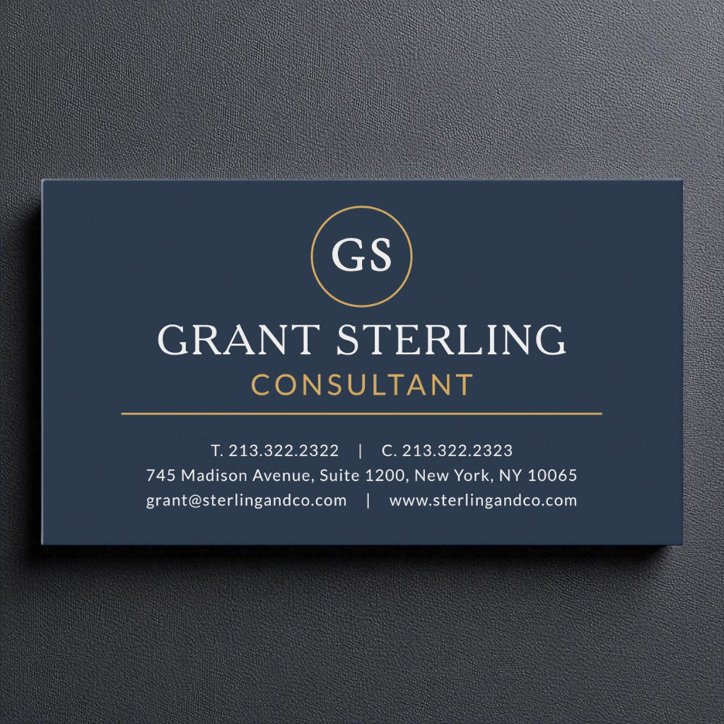
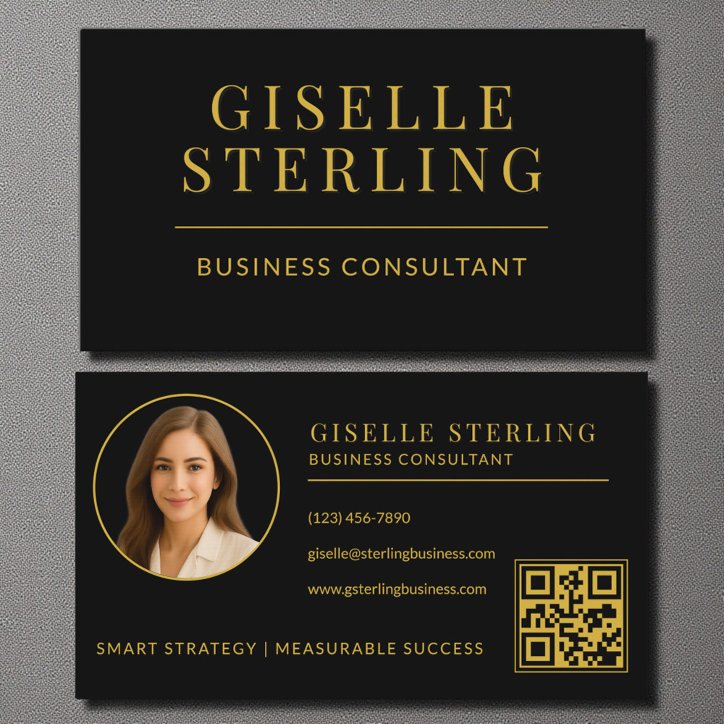
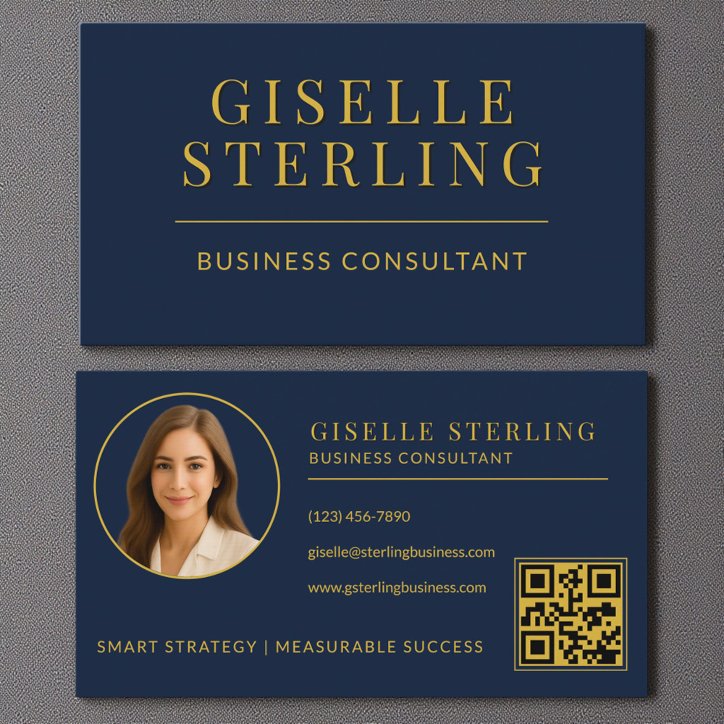
Navy, black, neutral, and restrained metallic designs communicate authority. Clean spacing and a strong title are more valuable than decoration.
A photograph can demonstrate the work or support recognition; a logo can build a repeatable company identity. Use whichever asset is genuinely strong. Avoid decorative elements that reduce contrast, crowd the contact information, or make the specialty harder to identify.
- Use one clear visual direction
- Keep type readable at actual size
- Limit the service list to priority work
- Verify every contact detail and applicable disclosure