The short answer
A hairstylist business card should make two things easy: remembering your work and booking with you. Start with your name, salon or business name, specialty, and one clear booking route. Add supporting details only when they help a client take that next step.
Start with these six details
You do not need every contact channel on one small card. Use the details your clients will actually need and the channels you keep up to date.
- Your name and salon or business name. Make it clear who the client is booking with.
- Your role or specialty. Hair stylist, color specialist, barber, or bridal hair can be more useful than a long service menu.
- One primary booking route. Choose the booking website, phone number, or other method you actively manage.
- Your location. Include the salon address when clients visit you, or a service area if you work on location.
- A useful portfolio handle. Include a social profile only if it shows current work and you maintain it.
- A short next step. Try Book your next appointment or View my work, matched to the destination.
Give the front one clear job
Keep your name, business identity, specialty, and primary contact easy to find. If everything competes for attention, shorten the copy before shrinking the type. A client should still understand the card when they look only at the front.
Use the back for a helpful next step
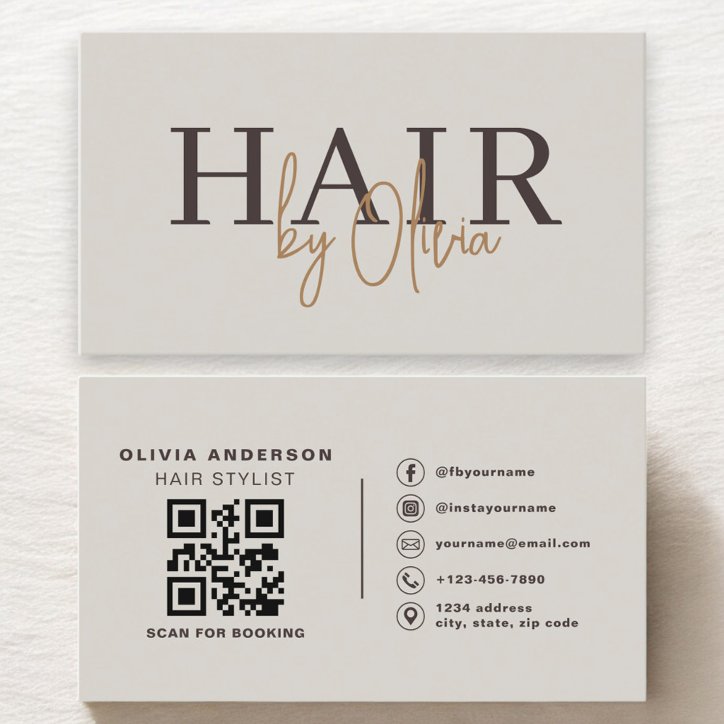
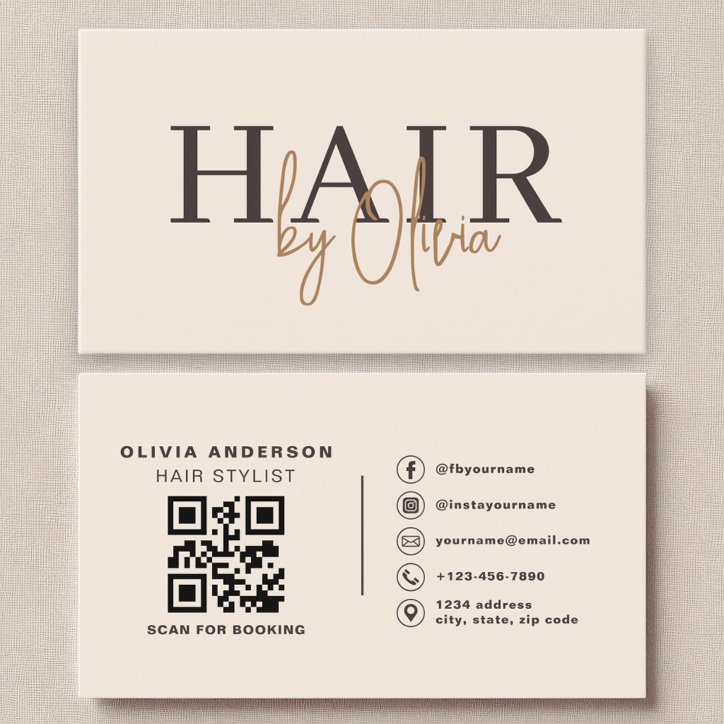
The back can hold a booking QR code, a short portfolio prompt, a few specialties, or appointment information. Choose the one purpose that fits how you hand out cards. A QR code needs a clear label, readable fallback contact, and enough open space around it. Test the final personalized code before ordering.
Two ways to arrange the information
These are suggested content layouts, not additional card products. Check the actual template you choose to see which fields and design elements can be edited.
Proofread before you order
Ready to choose a layout? Compare the Hair Stylist Earthy Neutral QR Code and Beige Neutral QR Code Hair Stylist Modern designs below, then review your personalized preview on Zazzle.
- Open every printed link and check that booking works on a phone.
- Check names, spelling, phone number, address, and social handle.
- Preview both sides at actual card size and check the printer's safe area.
- Only include credentials or specialties that accurately describe your business.