All ideas and advice

Profession-Specific Business Card Ideas

Tree Service business card guide: what to include and how to design it

Plan a useful tree service business card with profession-specific information, front-and-back hierarchy, QR guidance, design advice, and current examples.

The short answer

Include your business name, core tree services, phone number, service area, website, and applicable insurance or credential information. The front should establish the business and specialty quickly. Give the back one clear supporting job, and make the preferred next action—usually to request an estimate—easy to understand without requiring a scan.

Build the front around tree service recognition

Identify the service clearly and keep the quote phone number prominent. Use a QR code for before-and-after work or online estimate requests.

The first reading layer should tell a prospective customer who the card is for and what kind of work is offered. The business name, professional role, and primary contact path should remain readable at actual card size.

  • Business or professional name
  • Clear role or specialty
  • Primary phone, email, or website
  • Location or service area when relevant
  • Accurate credentials or trust information where appropriate

Give the back one useful job

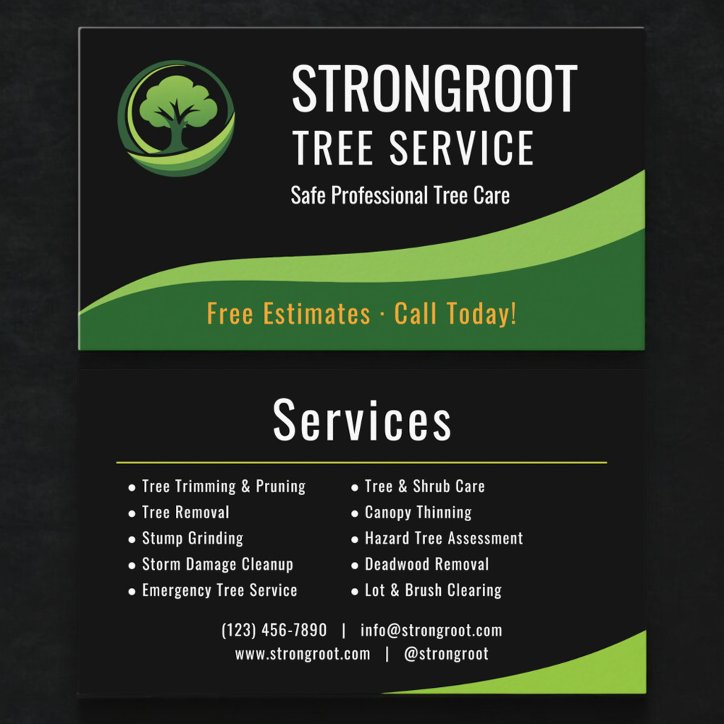
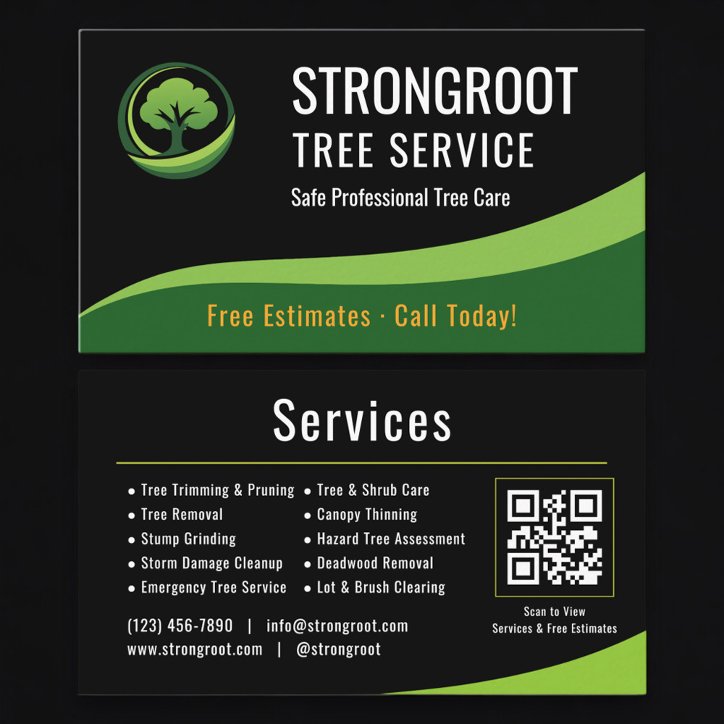
For a tree service professional, the back works best as a concise service list, service area, estimate prompt, or QR code to project proof. It should add information or an action rather than repeat the front in a different arrangement.

FrontIdentity, specialty, and a contact route
Backa concise service list, service area, estimate prompt, or QR code to project proof
Customer actionMake it easy to request an estimate

Decide whether a QR code earns the space

A QR code is useful when it shortens the path to a short estimate form, service-area page, project gallery, or maintained quote page. Label the action so the customer knows why to scan, keep a printed contact option, and test the final code from a paper proof before ordering a large quantity.

  • Use a stable destination you control
  • Send visitors to the next useful action
  • Keep the printed card understandable without scanning
  • Test the final-size code on more than one phone

Choose a design that fits tree service work

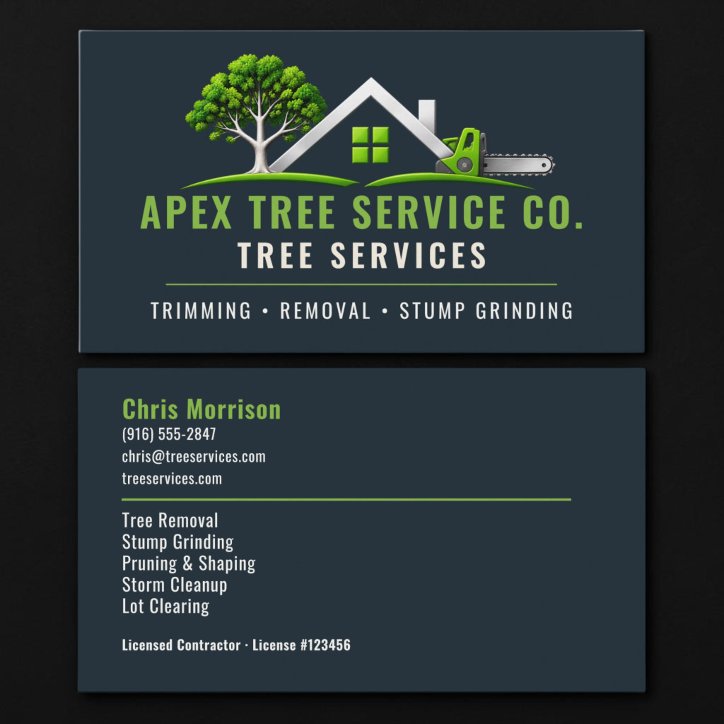
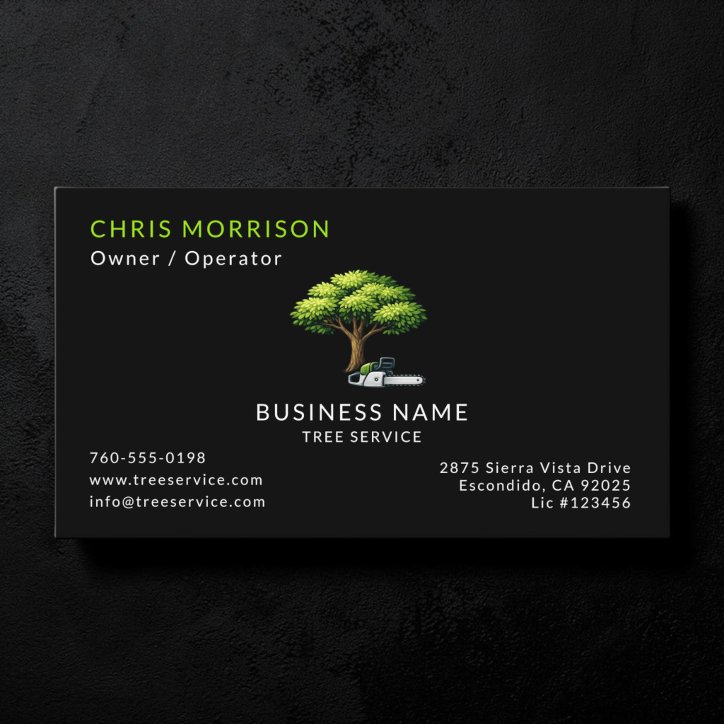
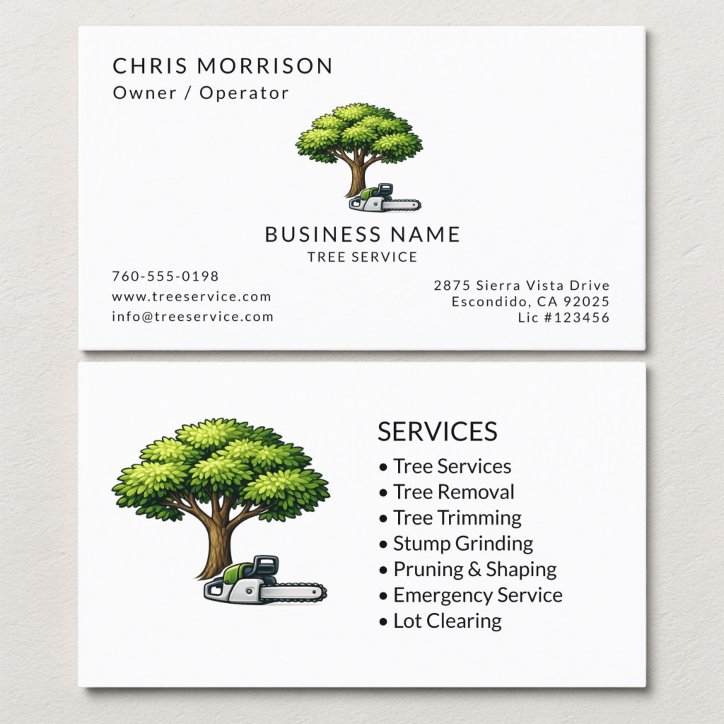
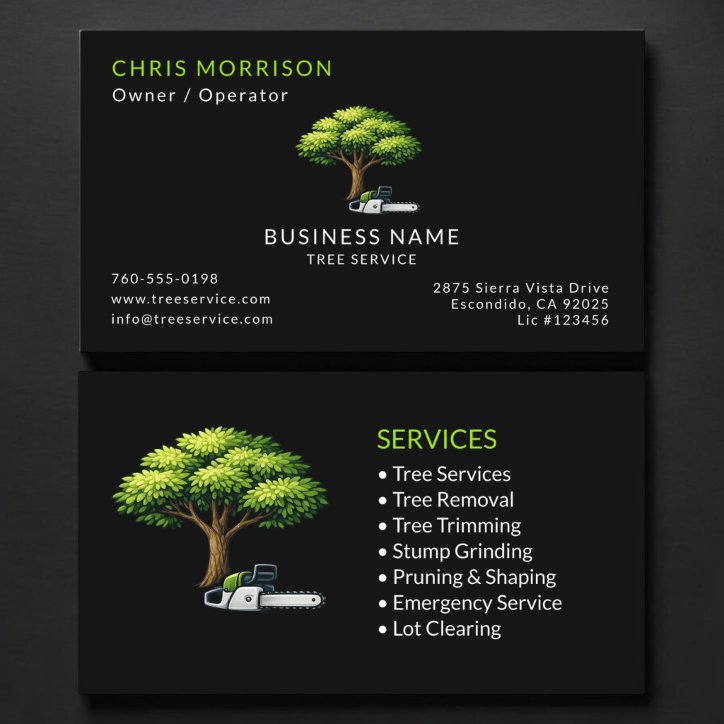
Natural greens and strong dark neutrals work well, especially with one clean tree or equipment image rather than a crowded landscape scene.

A photograph can demonstrate the work or support recognition; a logo can build a repeatable company identity. Use whichever asset is genuinely strong. Avoid decorative elements that reduce contrast, crowd the contact information, or make the specialty harder to identify.

  • Use one clear visual direction
  • Keep type readable at actual size
  • Limit the service list to priority work
  • Verify every contact detail and applicable disclosure
See the advice in context

Business-card examples to compare

These current catalog examples are selected dynamically. Open a detail page to compare the design, then personalize on Zazzle.

Quick answers

Questions about tree service business card guide

What should be most prominent on a tree service business card?

The business or professional identity, the tree service specialty, and the preferred contact action should form the strongest visual hierarchy.

Should a tree service business card list services?

List a few priority services when they help customers understand the fit. Move a long or frequently changing list to the website or QR destination.

Should it use a photo or a logo?

Use a photo when recognition or visual proof matters and the image is strong. Use a logo when the company identity should lead. Neither is required if typography communicates the business more clearly.

Are licenses or credentials required?

Requirements can vary by jurisdiction or professional organization. Use only accurate, current information and verify the rules that apply to the business.

Related Advice

Continue this decision with a focused guide

Business Card EssentialsWhat should you put on a business card?QR Code Business CardsShould you put a QR code on a business card?Design, Layout and PrintingShould a business card use a photo or a logo?Profession-Specific Business Card IdeasContractor business cards that communicate capability and trustProfession-Specific Business Card IdeasWhat should you put on a Cleaning Service business card?

From advice to the right design

Shop the profession and useful styles

Use these focused collections to compare current Pretty Girly Designs cards that match the decisions in this article.

Shop This ProfessionTree Service Business CardsCompare current designs and profession-specific features.Explore Related StylesQR Code business cardsBrowse customizable QR code business cards that connect a printed introduction to booking pages, portfolios, menus, reviews, social profiles, or contact information.