The short answer
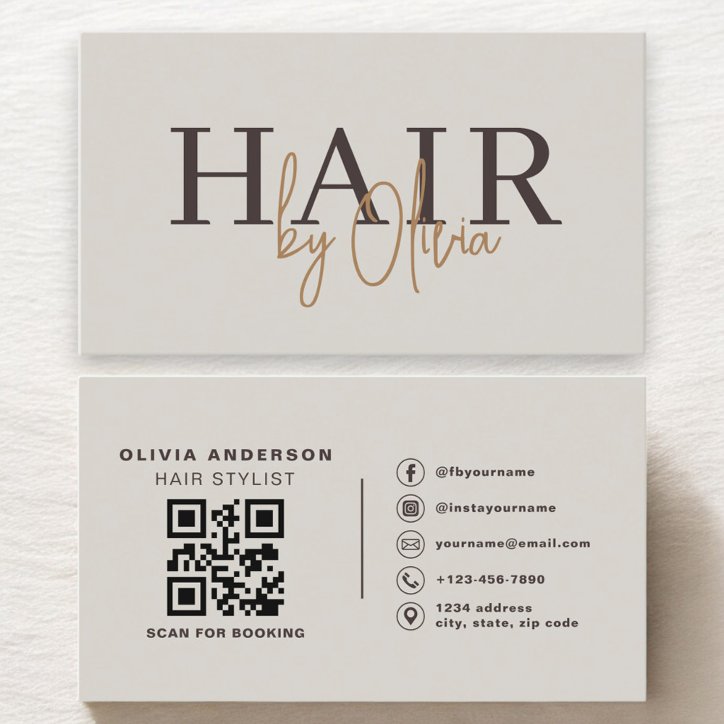
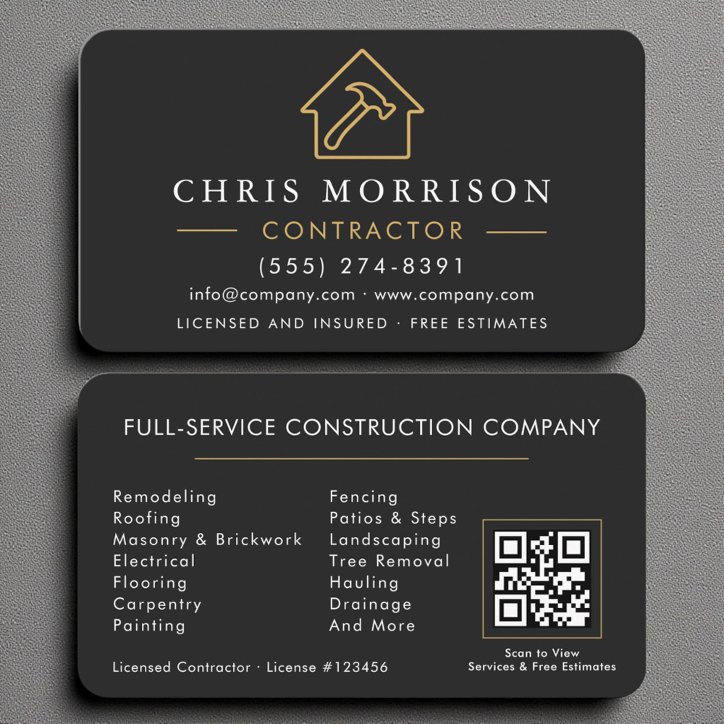
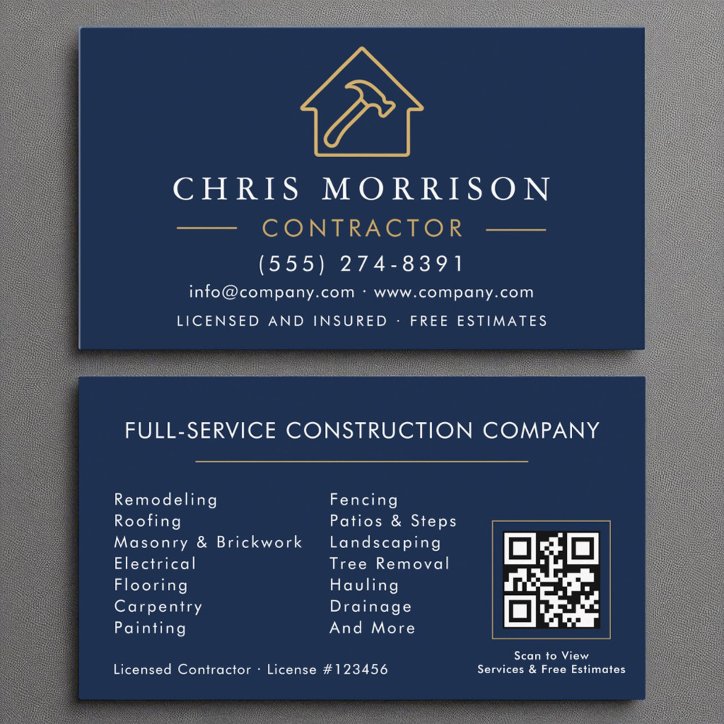
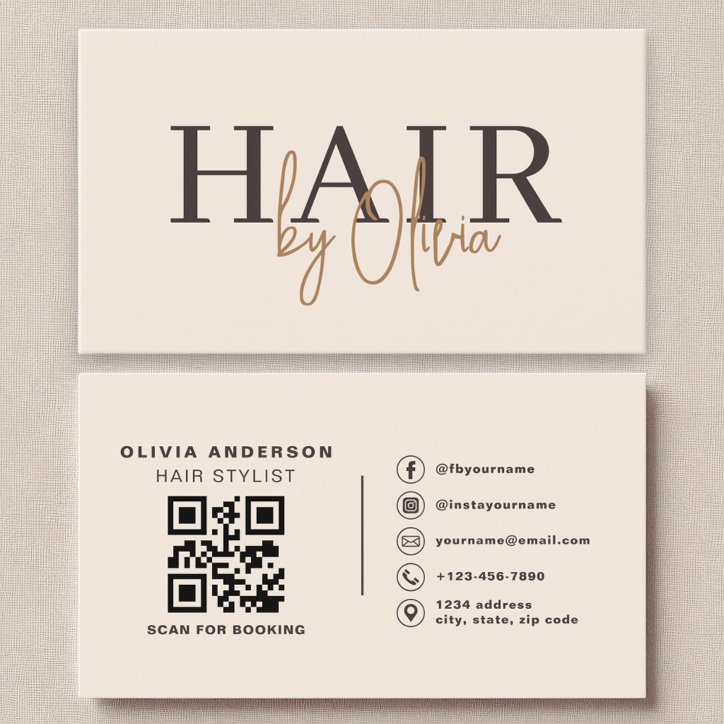
Link the QR code to the single destination that best completes the customer’s next step. A contractor may use an estimate form, a stylist a booking page, a photographer a portfolio, a restaurant a menu, and a local professional a review or contact-saving page. Avoid sending everyone to a generic homepage when a more direct, mobile-friendly destination is available.
Choose by customer intent
Ask what the recipient should be able to do within the next minute. The best destination is usually specific and useful, not the page with the most information.
Avoid destinations that create friction
Do not link to a desktop-only page, expired promotion, login wall, confusing link list, or profile that is rarely maintained. The scan should confirm who you are and make the intended action obvious.
- Open the destination on a phone
- Check page speed and readability
- Confirm the business identity appears immediately
- Make the next action visible without searching
Plan for future changes
A stable redirect or editable QR destination can make future updates easier, but only use a system you control and intend to maintain. If the destination may disappear, print a fallback URL or contact method on the card.